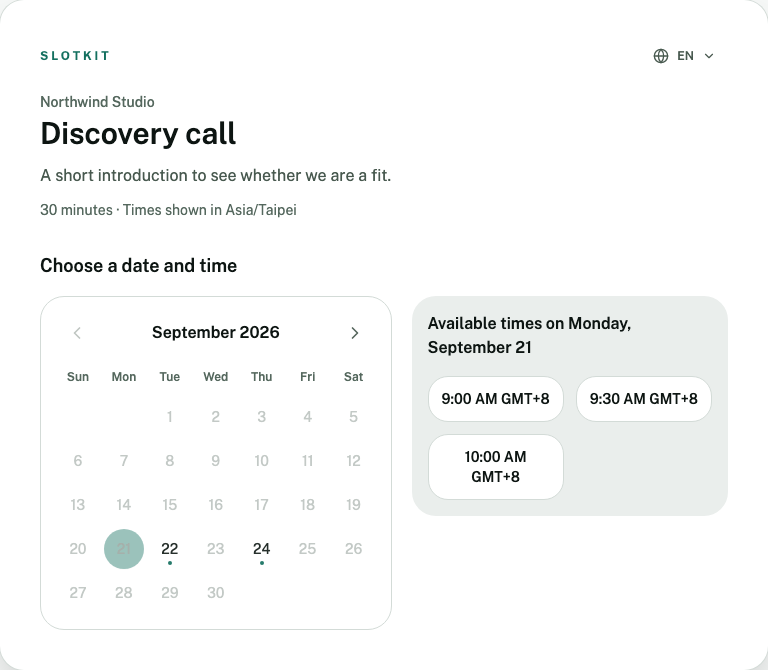
Regular hours, room for exceptions
Set weekly hours and adjust availability for particular dates or time off.
- Weekly schedule
- Hours in each Host timezone
- Date overrides
- Special hours or time off
- Time blocks
- Reserve unavailable periods
- Booking rules
- Notice, range, buffers, intervals
- Work around your calendar
- Slotkit checks busy times on your selected Google Calendars when finding available times.
- Google Meet when you need it
- Choose Google Meet for online meetings. The link appears in the booking details when it is ready.
- Let guests manage changes
- Guests can use their booking link to reschedule or cancel while the link remains valid.
- Control how people can book
- Set notice, booking range, buffers, slot intervals, and whether a page is public, invitation-only, CAPTCHA-protected, or email-verified.
- Manage bookings and invitations
- Review upcoming and past bookings, and issue or revoke invitations for invitation-only pages.
- Work in eight languages
- Administration and Hosted Booking support English, Simplified and Traditional Chinese, Japanese, Thai, Korean, Malay and Hindi. Guests can switch among published languages.
- Set up booking for your team
- Give each person their own availability and Google Calendar connection, and manage access within your workspace.